
Find the space beyond the footprint.
A countertop appliance needs room to open, fill, operate and clean. Measure the useful space around it, not just the rectangle beneath it.
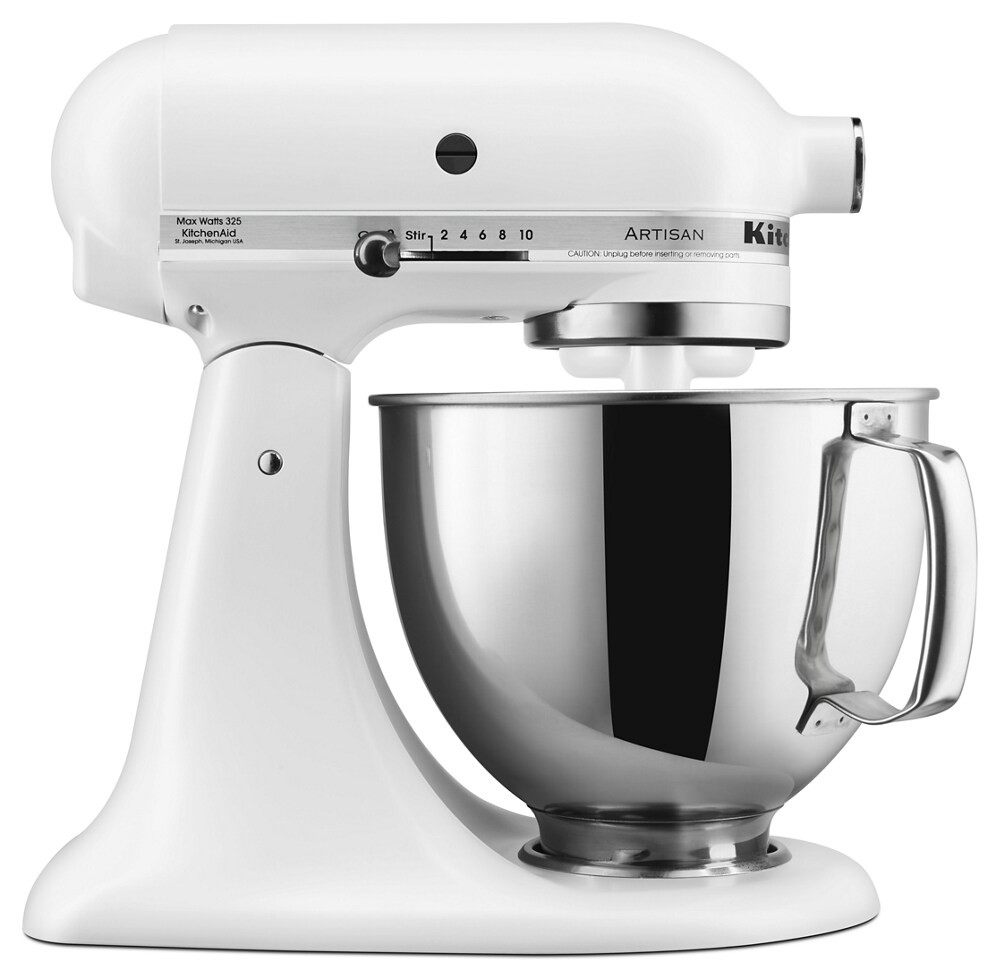
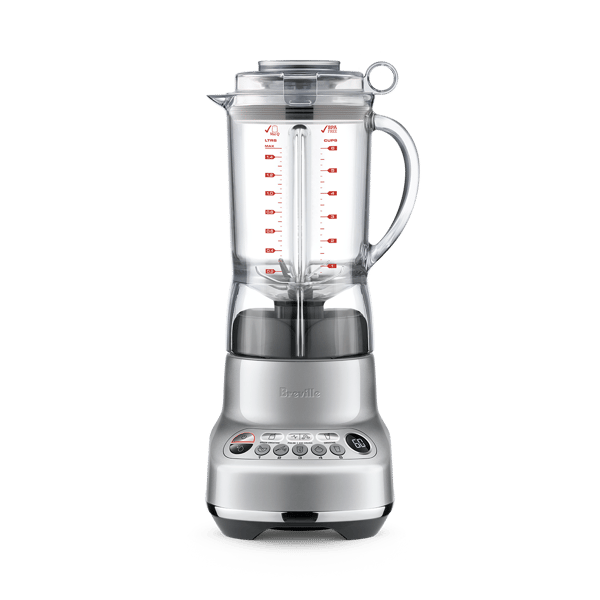
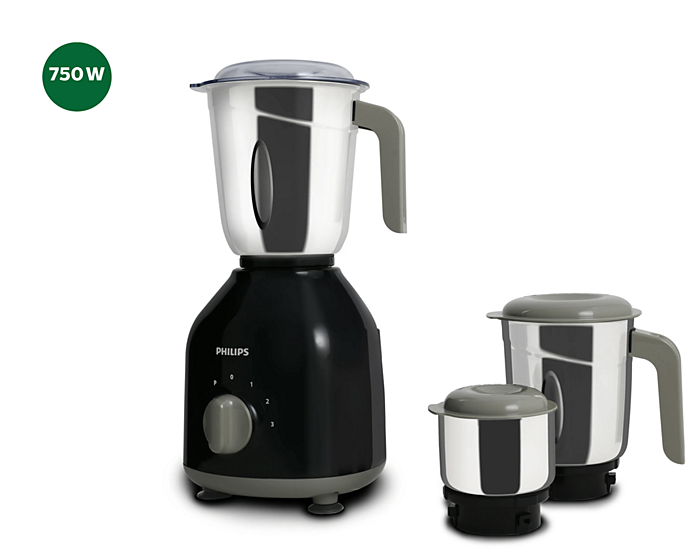
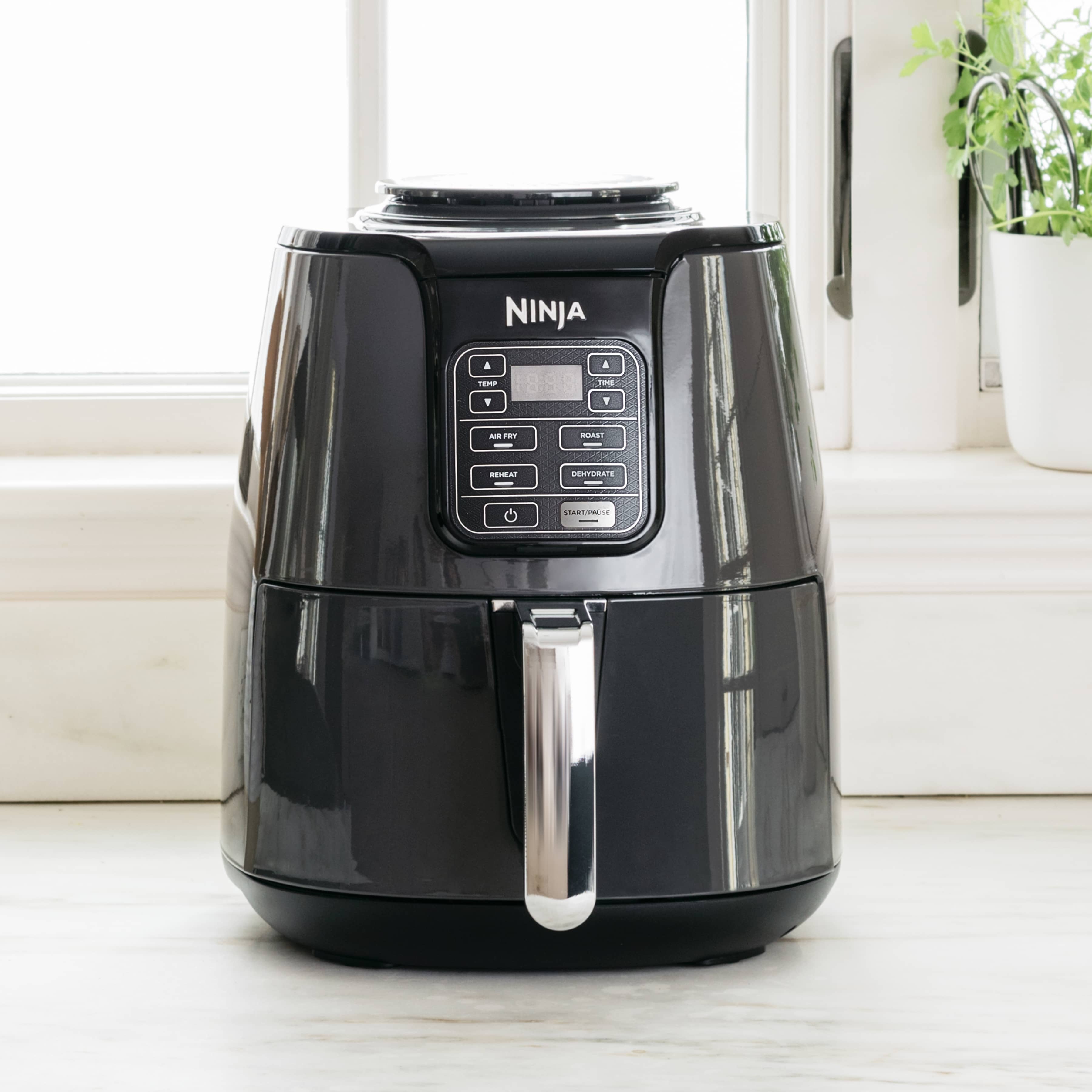

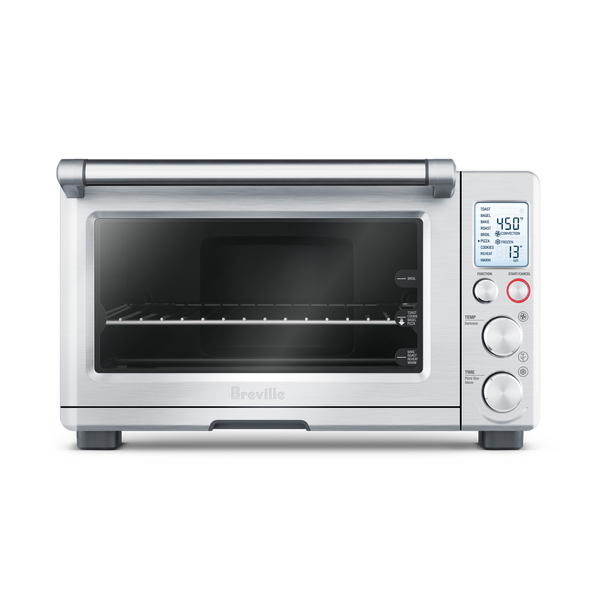
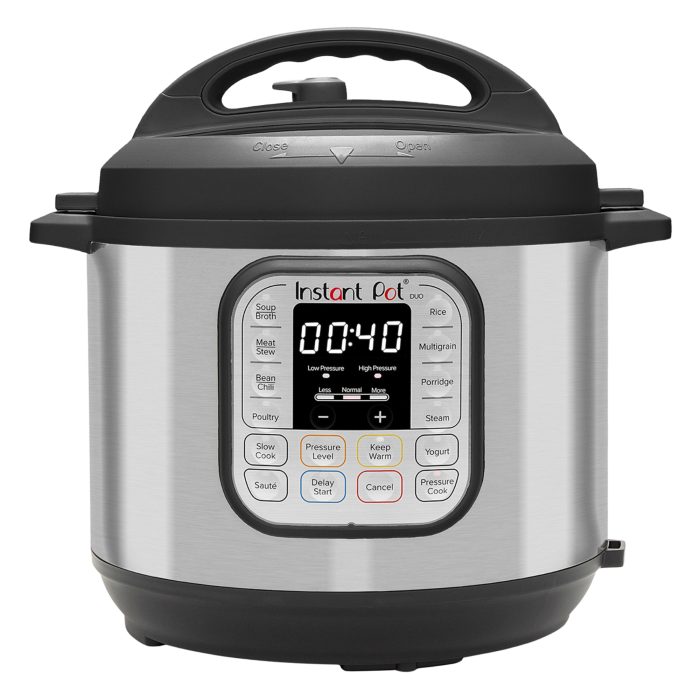
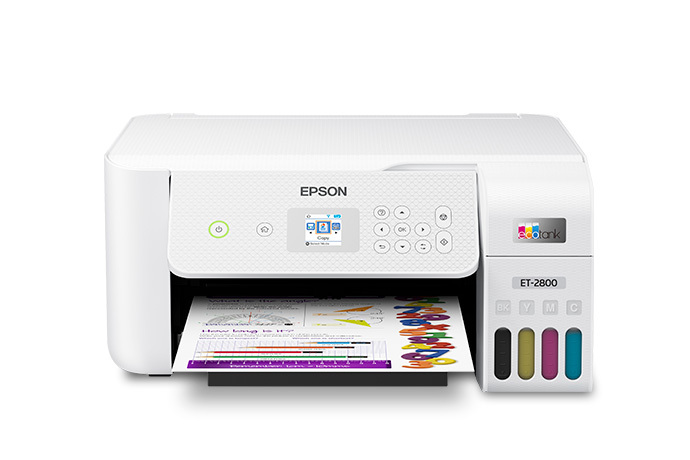
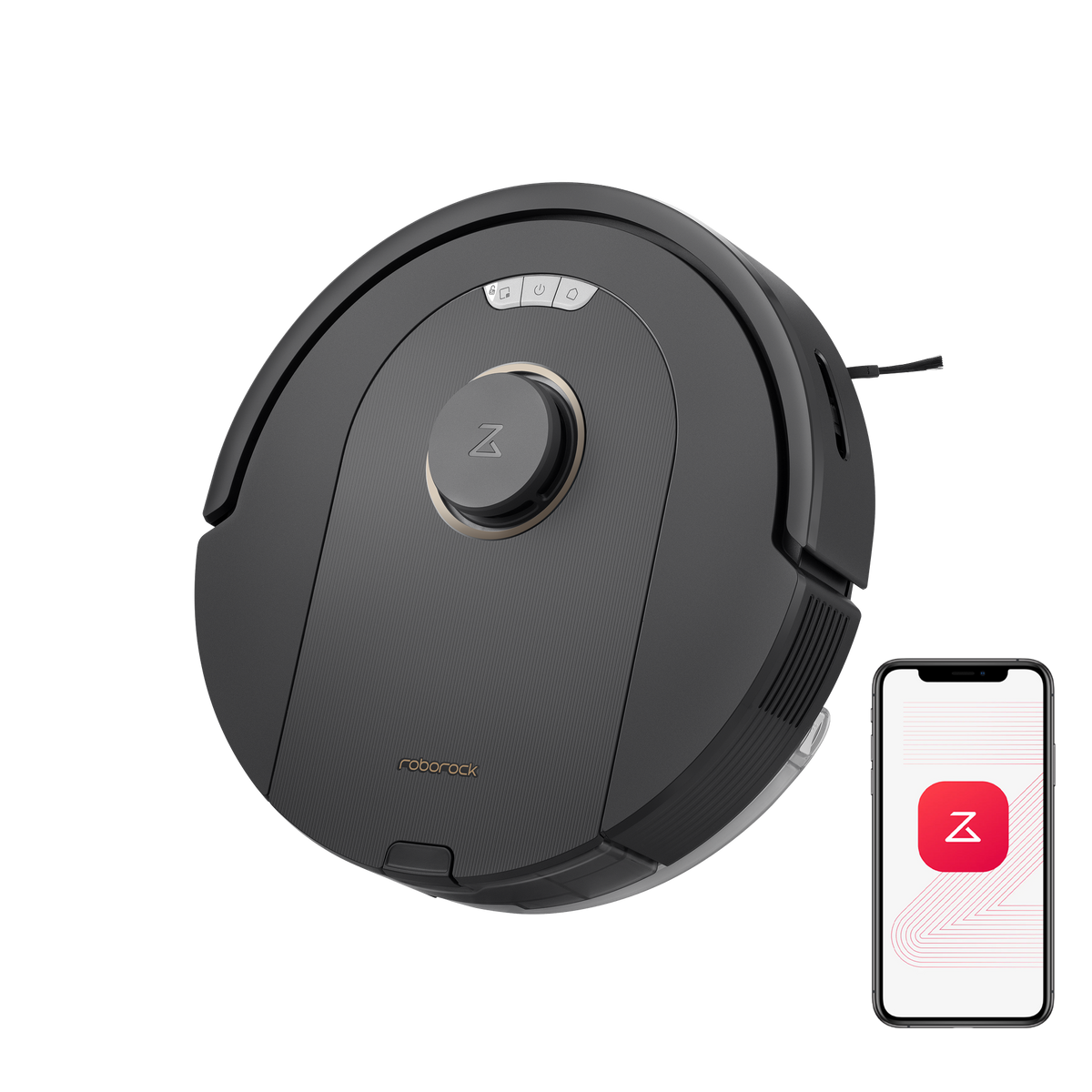
Reference product photos from the manufacturers. Photo sources ↗
Check all three dimensions.
Compare a measured item with your available space. Add the total extra room required on each axis from the exact manual or your own working-space plan.
Enter the available width, height and depth to compare.
With extra-room fields blank, this checks the body envelope only. Door swing, ventilation, connections, safe operating clearances and delivery turns require separate checks.
Planning your small appliances space
Measure height while using the appliance
A mixer head, blender jug or coffee-machine lid may rise above the closed body. Measure the distance from the counter to the bottom of the cabinet and compare it with the access required by the exact model. Decide whether the appliance will move forward before use.
Include removable parts and accessories
An air-fryer basket or printer paper tray can extend beyond the listed body depth. Reserve space to remove them comfortably. A robot vacuum also needs a suitable dock position and the approach clearance specified by its manufacturer.
Check storage and operating positions separately
An appliance may fit in a cupboard for storage but need a different location for use. Follow its ventilation, heat and moisture instructions. Our calibrated real-size tool can help you compare a measured front view, while the room planner is more useful for the counter footprint.
Make a record before you compare
Write down the item’s full width, height and depth, the available space, and any opening it must pass through. Keep the manufacturer’s dimension drawing with these notes. Measure again after allowing for trim, skirting, doors and anything else that reduces the usable space.
Before you decide
Can a size name confirm that an item fits?
No. A nominal size can refer to a screen diagonal, a product class or a capacity. Use the exact model’s external dimensions and its installation instructions. The TV chart calculates screen dimensions only.
What if the item just fits the opening?
A matching width leaves no margin for measurement error or the clearances required by the model. Check height, depth, working space and the delivery route separately. A straight opening check cannot prove that an item will turn around a corner.
Where should I find product measurements?
Start with the manufacturer’s specification sheet and installation manual for the exact model code. Check whether each drawing includes handles, stands, open doors or packaging. Keep those different measurements separate.